AR Campus Buddy is an Augmented Reality (AR) app concept designed to gamify campus exploration, making it easier and more engaging for students to learn about their university. Developed during our Multimodal Interaction and Interfaces course, the app leverages AR to help users discover key campus locations, upcoming events, and hidden gems through immersive, interactive experiences.
Approach
Our team aimed to blend fun with functionality, creating an app that enhances campus navigation through AR. We built an interactive AR experience accessible on both Android and iOS devices. This multimodal approach incorporated touch, vision (camera), sound, and haptics to provide users with an intuitive, immersive exploration tool.
Resolving Complex Problems
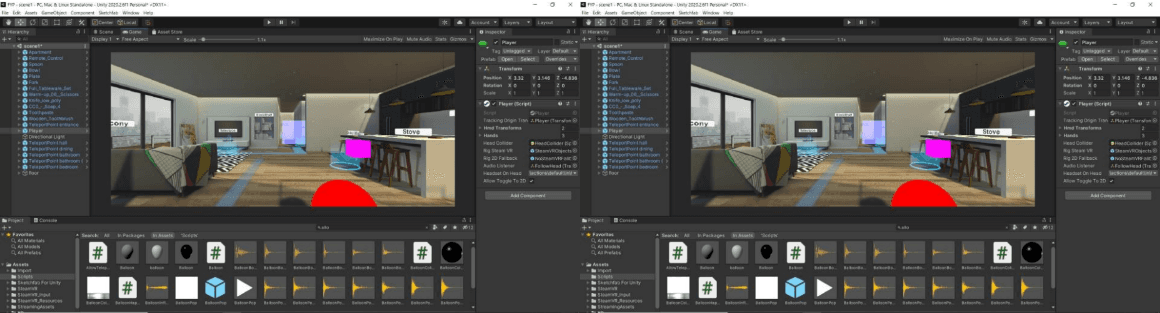
We focused on leveraging Google ARCore for spatial understanding and Google Geospatial APIs to place virtual objects at specific campus coordinates. This allowed us to create location-based AR experiences. Vuforia’s image tracking enabled building boards to serve as interactive AR surfaces, providing students with contextual information in a seamless way.
User-Centric Design
The design of AR Campus Buddy centered around enhancing student engagement with their campus environment. We created features like easter egg hunts and interactive activities around campus landmarks to encourage exploration. By integrating familiar, intuitive AR controls, we aimed to make orientation for new students more enjoyable and memorable.
Solution
We designed AR-based activities where students could engage with the campus in new ways, like:
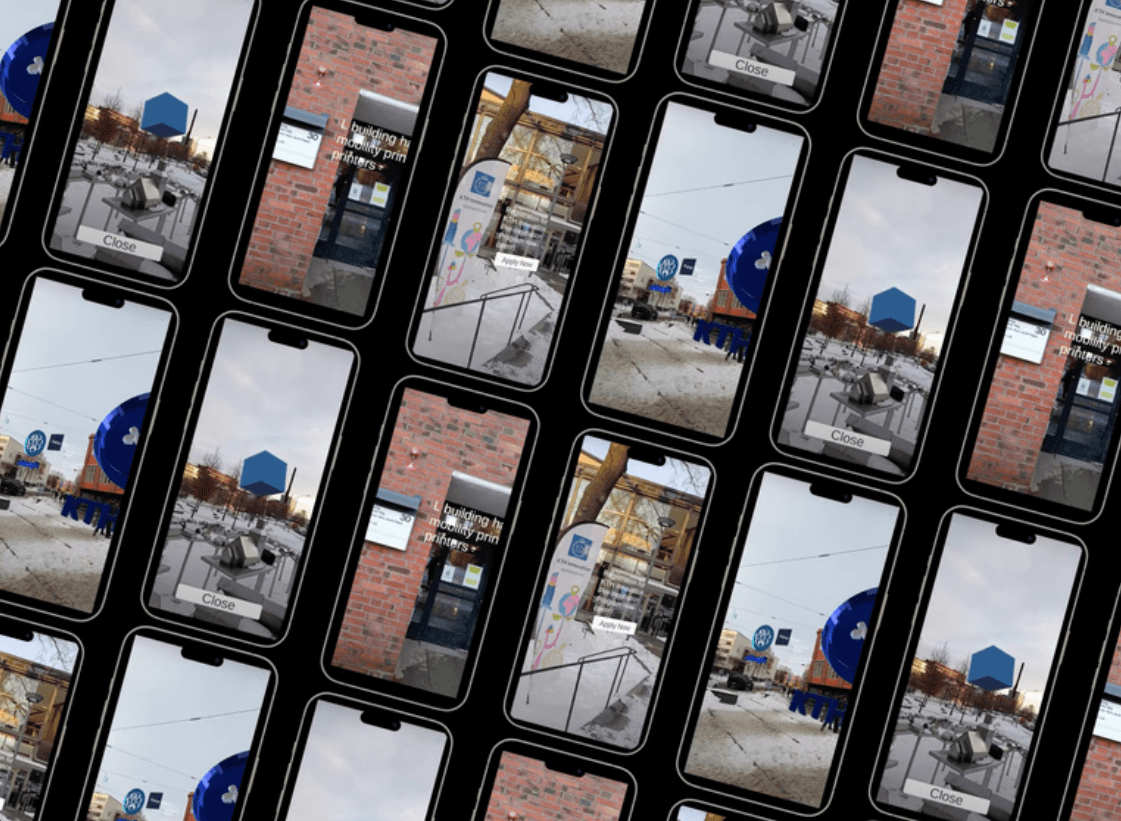
Easter egg hunts around campus landmarks to discover hidden information about key buildings and installations.
Interactive AR surfaces using image tracking on building boards, providing students with detailed information about campus locations and upcoming events.
We ensured these activities were location-specific and accessible on mobile devices. This made the exploration process interactive, informative, and fun.
Tools
Google ARCore and ARKit
Google Geospatial APIs
Vuforia Engine
Unity 3D
Figma
AR Campus Buddy is an Augmented Reality (AR) app concept designed to gamify campus exploration, making it easier and more engaging for students to learn about their university. Developed during our Multimodal Interaction and Interfaces course, the app leverages AR to help users discover key campus locations, upcoming events, and hidden gems through immersive, interactive experiences.
Approach
Our team aimed to blend fun with functionality, creating an app that enhances campus navigation through AR. We built an interactive AR experience accessible on both Android and iOS devices. This multimodal approach incorporated touch, vision (camera), sound, and haptics to provide users with an intuitive, immersive exploration tool.
Resolving Complex Problems
We focused on leveraging Google ARCore for spatial understanding and Google Geospatial APIs to place virtual objects at specific campus coordinates. This allowed us to create location-based AR experiences. Vuforia’s image tracking enabled building boards to serve as interactive AR surfaces, providing students with contextual information in a seamless way.
User-Centric Design
The design of AR Campus Buddy centered around enhancing student engagement with their campus environment. We created features like easter egg hunts and interactive activities around campus landmarks to encourage exploration. By integrating familiar, intuitive AR controls, we aimed to make orientation for new students more enjoyable and memorable.
Solution
We designed AR-based activities where students could engage with the campus in new ways, like:
Easter egg hunts around campus landmarks to discover hidden information about key buildings and installations.
Interactive AR surfaces using image tracking on building boards, providing students with detailed information about campus locations and upcoming events.
We ensured these activities were location-specific and accessible on mobile devices. This made the exploration process interactive, informative, and fun.
Tools
Google ARCore and ARKit
Google Geospatial APIs
Vuforia Engine
Unity 3D
Figma